

Your whole toolbox, one tab away.
MyToolkitt brings QR codes, image tools, and links together, all in your browser. Most need no account, and all are free to start.
About MyToolkittPopular tools
Start with what our users love most.
Every QR code type
Pick the type you need. Each one has its own builder, free to start.
QR codes, short links, and
image tools in one place.
Free to start, with nothing to install. New tools are added as they’re finished.
How it works
Every tool follows the same three steps.
- 1
Find a tool
Search or browse to find the tool you need.
- 2
Add your details
Provide the text, file, or details you have.
- 3
Get your result
Copy or download it and move on.
From the blog
Tips, guides, and news from the MyToolkitt team.

WiFi QR Code: Guests Connect Without Spelling Your Password
A WiFi QR code holds your network name and password, so a guest points a camera at it and taps Join. Here is how to make one, where to put it, what happens when the password changes, and what it does not protect you from.
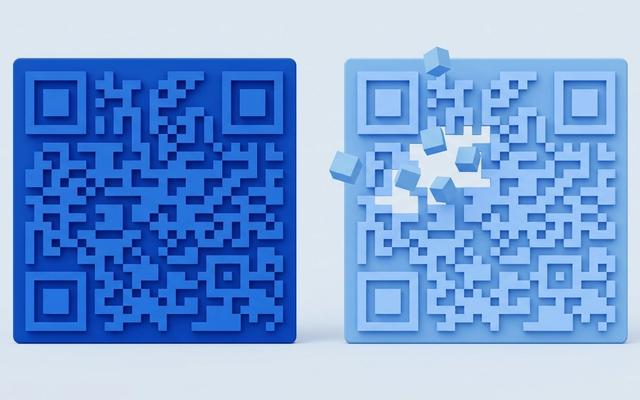
Dynamic vs Static QR Codes, Explained With Real Scenarios
A static code holds the destination inside the pattern. A dynamic one points at an address you control. That difference decides whether a typo in 5,000 printed flyers costs you a reprint or two minutes.
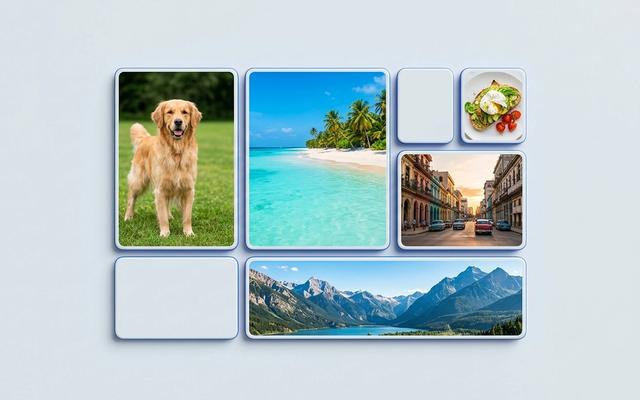
Image Sizes for Social Media: the 2026 Cheat Sheet
The pixel sizes each platform actually wants, why the wrong shape gets your subject cropped out, and the one distinction — resize or crop — that decides which tool you need.
Frequently asked questions
A few quick answers about what MyToolkitt is and how to use it.
Find the tool you need
Free to use, with more tools shipping soon. Search or browse to get started.