Cut the background out of any photo and get back a transparent PNG at full resolution. Genuinely unlimited and never watermarked, not three images and then a paywall.
Tap to browse, or paste from your clipboardClick to browse · Drag & drop · Paste (Ctrl/Cmd + V)
Cutouts that hold up close

Drag the handle across. The gray squares are real transparency: the wall is gone, not painted over in white. Edges are where these tools give themselves away, so the laces and the sole are the parts worth looking at.
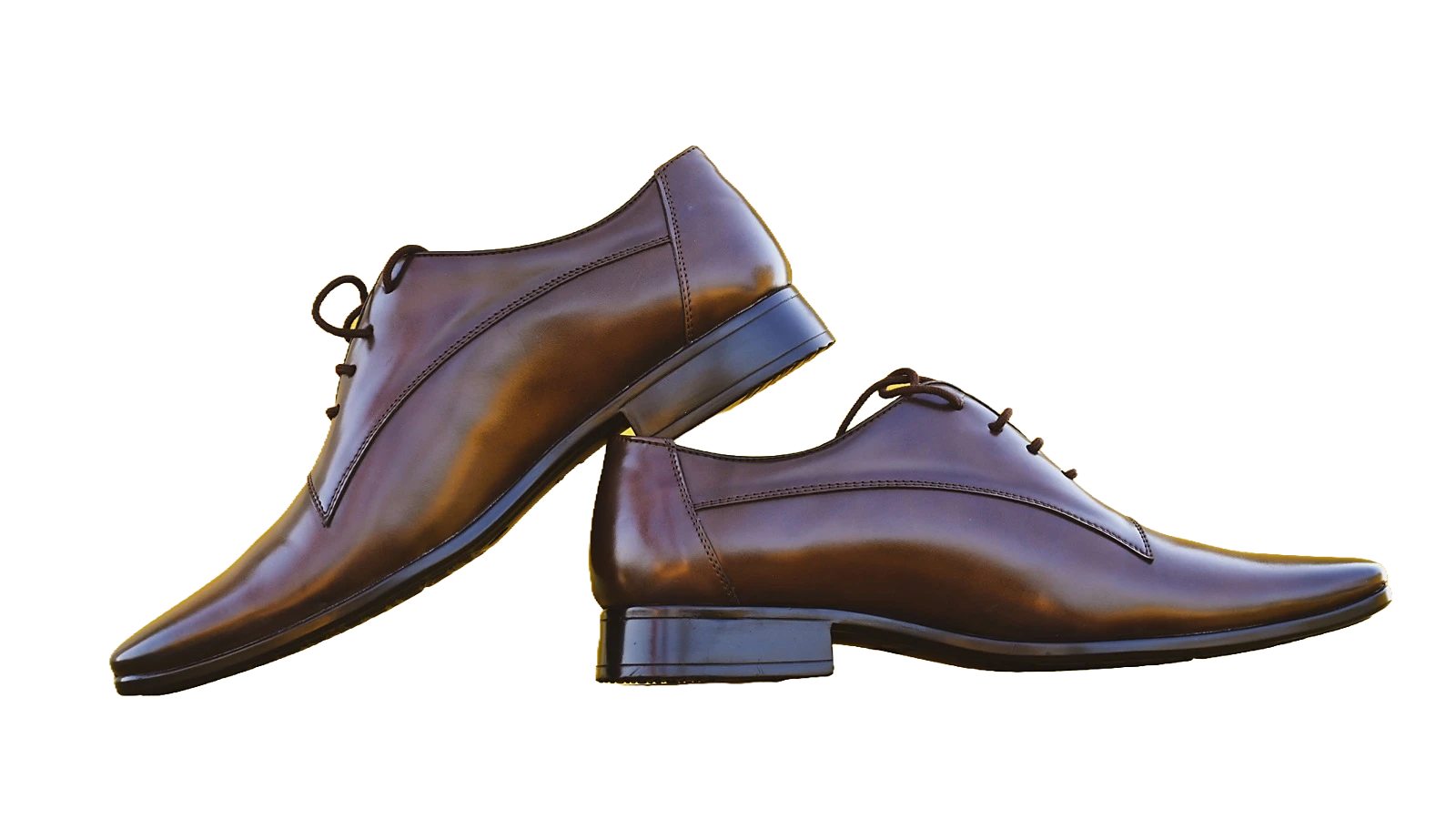
Background removed
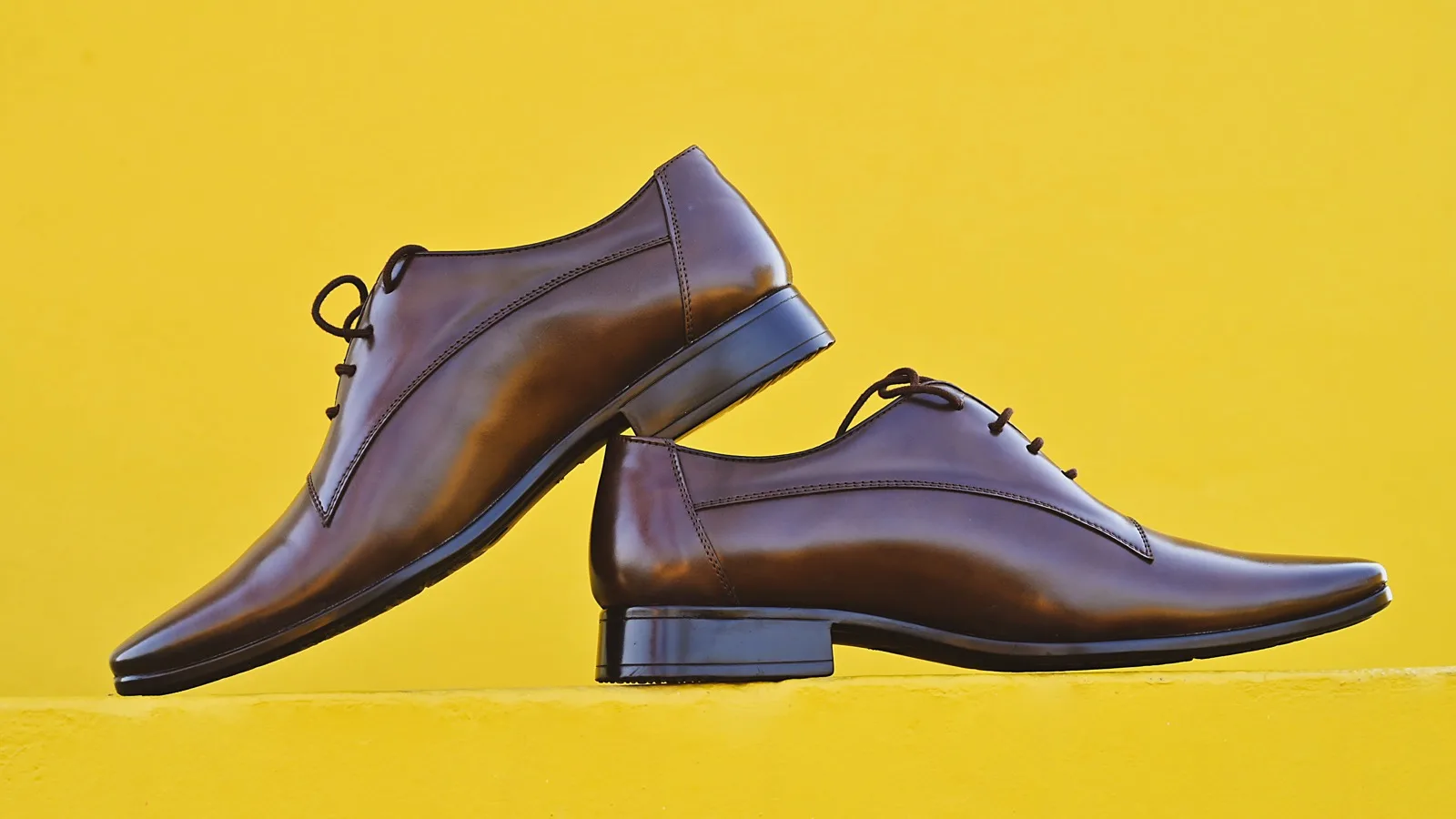
Original
How it works
JPG, PNG, WebP, or AVIF, up to 30MB. Add several at once if you like.
The tool gets itself ready while you are still looking at the page, so a cutout usually takes about a second.
Keep it transparent, or drop the subject onto white, black, or a color. Downloads as a full-resolution PNG.
Why this one
No credits, no daily cap, and no watermark. Everyone else charges by the image because each one costs them money to produce; ours do not, so there is nothing to ration.
Who it's for
FAQ
Still unsure about something? These cover the questions we hear most.
Keep going
From the blog

Your logo keeps arriving with a white box around it. Here is why that happens, which formats can actually hold emptiness, and what the grey checkerboard really means.
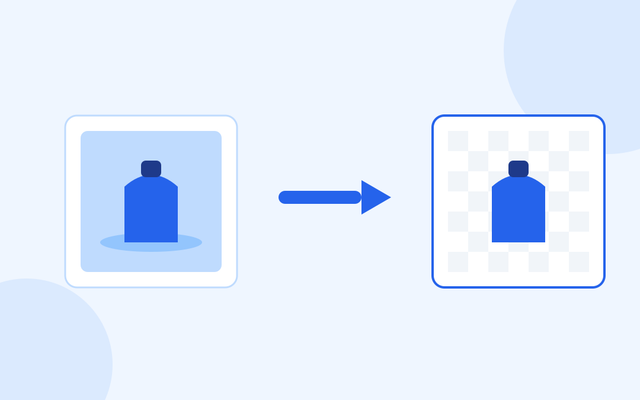
Marketplaces want the product on plain white or on nothing at all. Here is how to cut one out, which subjects come out cleanly, and the saving mistake that puts the background straight back.
No credits to run out of and no watermark to pay to remove. Drop in a photo and see.
Remove a background