
Guides for the small jobs
Getting a photo under a size limit. A QR code that refuses to scan. Which image format to use where. Short answers to the things these tools are for.

WebP vs JPG vs PNG: Which Format to Use for What
WebP makes smaller files than JPG at the same visible quality, PNG is the only one of the three that keeps a transparent background, and JPG is the one every upload form and print shop accepts. Here is which to use for photos, logos, screenshots, and forms.
Read the guide
Why Your QR Code Won't Scan: 9 Real Fixes
A QR code that looks right on screen can be unreadable on a poster. Here are the nine reasons a code refuses to scan, from low contrast to a dead destination, with the fix for each, plus what to check when the problem turns out to be the phone.
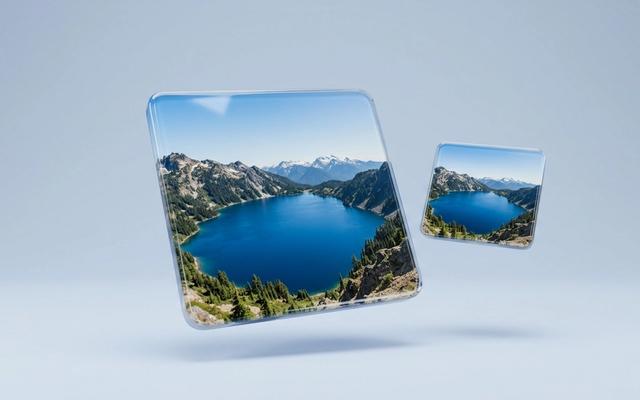
How to Compress an Image to 100 KB (Without Making It Ugly)
A portal just refused your photo for being over 100 KB. Here is the 30-second fix, what the quality really looks like once you get there, and what to do when a photo refuses to shrink that far.
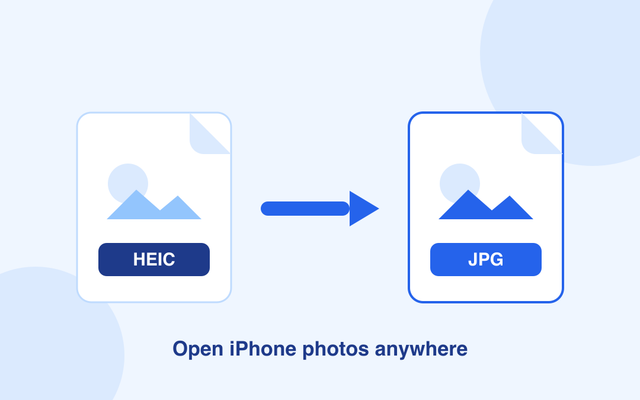
How to Convert HEIC to JPG (and Why iPhones Use HEIC at All)
iPhone photos save as HEIC — great for storage, annoying for everyone else. Here’s the ten-second free fix, plus the iPhone settings that stop the problem coming back.

How to Create a QR Code for a Business Card

WiFi QR Code: Guests Connect Without Spelling Your Password
A WiFi QR code holds your network name and password, so a guest points a camera at it and taps Join. Here is how to make one, where to put it, what happens when the password changes, and what it does not protect you from.

Dynamic vs Static QR Codes, Explained With Real Scenarios
A static code holds the destination inside the pattern. A dynamic one points at an address you control. That difference decides whether a typo in 5,000 printed flyers costs you a reprint or two minutes.
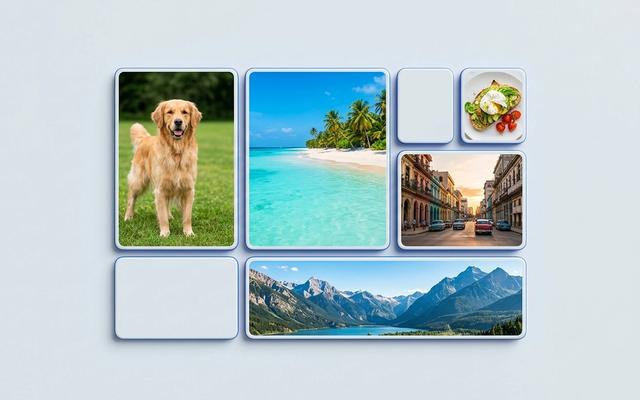
Image Sizes for Social Media: the 2026 Cheat Sheet
The pixel sizes each platform actually wants, why the wrong shape gets your subject cropped out, and the one distinction — resize or crop — that decides which tool you need.
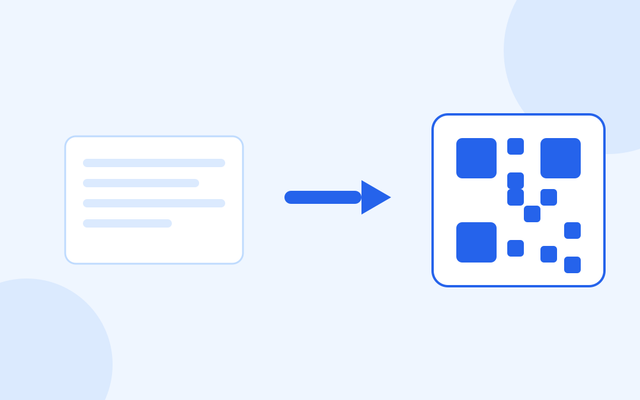
Text to QR: When Plain Text Beats a Link
A QR code does not have to point anywhere. It can simply hold words — a serial number, a dosage, a set of instructions — that work with no internet and no company behind them.

Short Link or Full URL: When Shortening Helps and When It Hurts
Shortening is not automatically better. Here is where a short link genuinely wins, where the full address is the stronger choice, and the one risk nobody selling shorteners mentions.

A QR Code for Google Reviews
A code on the counter gets more reviews than asking does. Here is how to build one, where to put it — and the popular trick that will get your listing in trouble.

Transparent Backgrounds: What PNG Does That JPG Can't
Your logo keeps arriving with a white box around it. Here is why that happens, which formats can actually hold emptiness, and what the grey checkerboard really means.

Remove the Background From a Product Photo
Marketplaces want the product on plain white or on nothing at all. Here is how to cut one out, which subjects come out cleanly, and the saving mistake that puts the background straight back.

Convert a PDF to JPG Images
Sometimes a page needs to be a picture — for a slide, a listing, or a form that refuses PDFs. Here is how to get there, which resolution to pick, and the one thing you cannot undo.
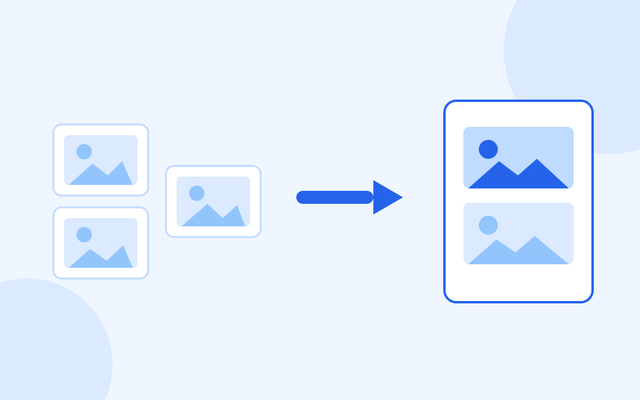
Turn Photos Into One PDF (Right Order, One Page Each)
Portals want a PDF. Your phone made photographs. Here is how to get one tidy document with your pages in the right order — and how to photograph paper so it is actually readable.

Your PDF Is Too Big to Email. Here's How to Shrink It
The attachment bounces, and you have ten minutes before the deadline. What actually makes a PDF big, how much you can expect to get back, and why the text stays perfectly sharp.
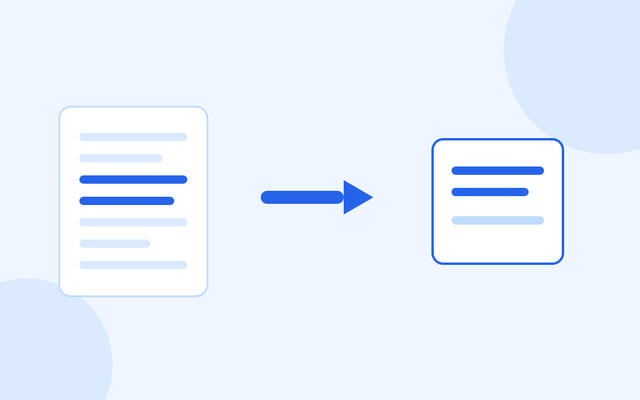
Split a PDF: Pull Out Just the Pages You Need
Sending a forty-page report when someone asked for one appendix wastes their time and buries your point. Here is how to take out exactly the pages you want, and how to write a page range that works.
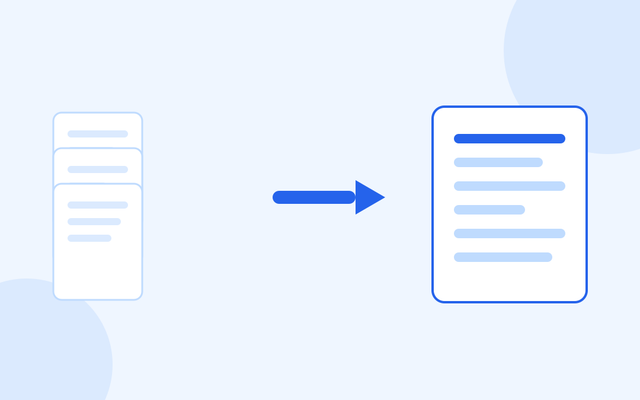
How to Merge PDF Files Into One (In the Order You Choose)
Five attachments become one document in about twenty seconds, in the order you set rather than the order your computer picked. Here is how, and what to watch for with scans and signed files.