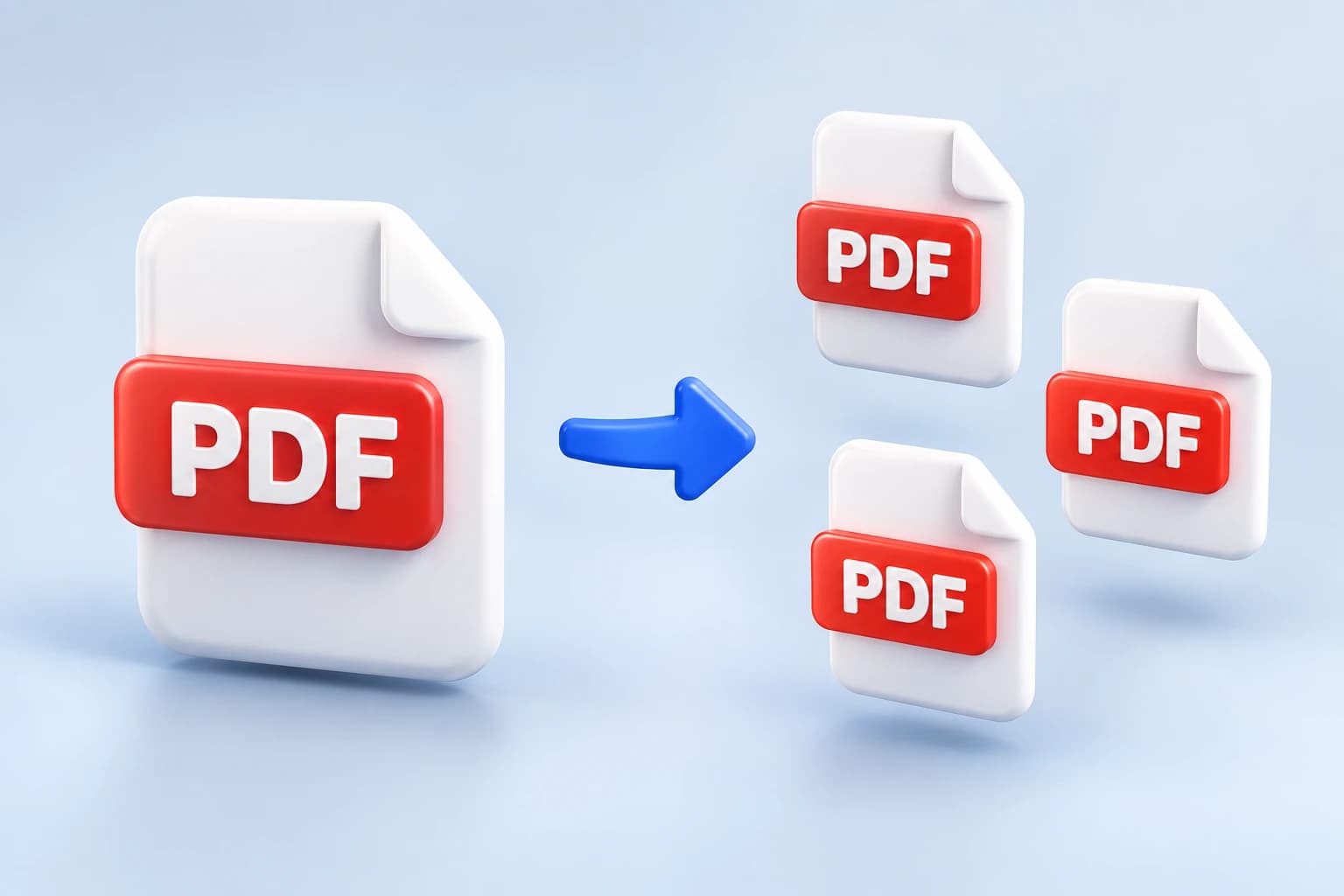
Add a PDF and take it apart the way you need: one file per page, one file per range like 1-3, or just the pages you pick, gathered into a single new PDF. It is free, and your file never leaves your browser.
Tap to browseClick to browse · Drag & drop
How it works
Drag in the PDF you want to take apart, or browse for it. It can be up to 50 MB.
Split every page into its own file, type ranges like 1-3, 7 to get one file per range, or extract the pages you name into a single new PDF.
Save each new PDF on its own, or take the whole set at once as a zip. Nothing was sent anywhere.
Why this one
Every page as its own file, one file per page range, or the pages you choose gathered into one new PDF. The same ranges box drives the last two, so 1-3, 7 always means the same thing.
Who it's for
FAQ
Still unsure about something? These cover the questions we hear most.
Keep going
From the blog
The attachment bounces, and you have ten minutes before the deadline. What actually makes a PDF big, how much you can expect to get back, and why the text stays perfectly sharp.
Sending a forty-page report when someone asked for one appendix wastes their time and buries your point. Here is how to take out exactly the pages you want, and how to write a page range that works.
Five attachments become one document in about twenty seconds, in the order you set rather than the order your computer picked. Here is how, and what to watch for with scans and signed files.
The matching tool merges several PDFs into one file, in the order you choose. Also free, also in your browser.
Merge PDF files